Creation Guidelines
Big Stickers
Big stickers will show up extra large in chats.
Requirements
Image
| Main Image | |
|---|---|
| Quantity | 1 |
| Size | 240 x 240 |
| Size | 1 MB or less* |
| Sticker Images | |
| Quantity | Either 8, 16, 24, 32, or 40 |
| Size | 80 × 524 pixels *Min 396 × 660 pixels *Max |
| Size | 1 MB or less* *Each |
| Chat Thumbnail Icon | |
| Quantity | 1 |
| Size | 96 x 74 |
| Size | 1 MB or less* |
| Quantity | Size | Size | |
|---|---|---|---|
| Main Image | 1 | 240 x 240 | 1 MB or less* |
| Sticker Images | Either 8, 16, 24, 32, or 40 |
80 × 524 pixels *Min 396 × 660 pixels *Max |
1 MB or less* *Each |
| Chat Thumbnail Icon | 1 | 96 x 74 | 1 MB or less* |
Other regulations
- Select your number of stickers from the Manage Stickers page. You can change this number freely before submission.
- All sizes are in pixels.
- All images must be submitted in PNG format.
- Sticker images will be resized automatically. Please ensure the image has an even-numbered height and width.
- Use a resolution of at least 72 dpi and RGB color mode.
- If submitting all images in a single ZIP file, make sure the ZIP file is 60 MB or smaller.
- Image backgrounds must be transparent.
Sample Images
-
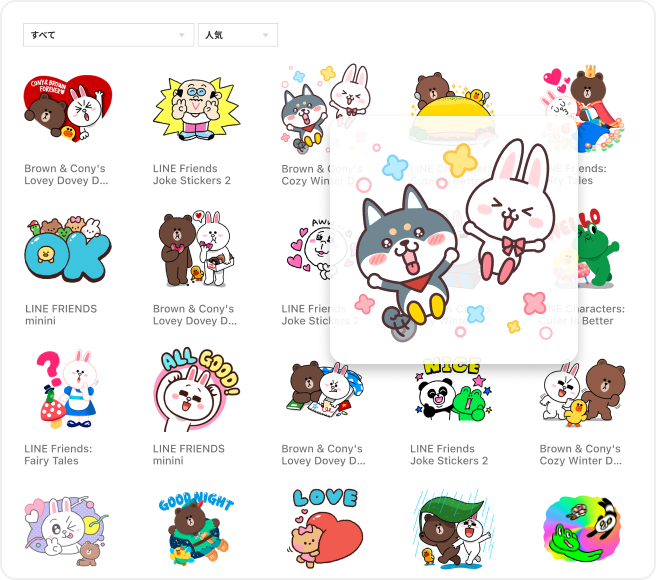
■ Main Image
-
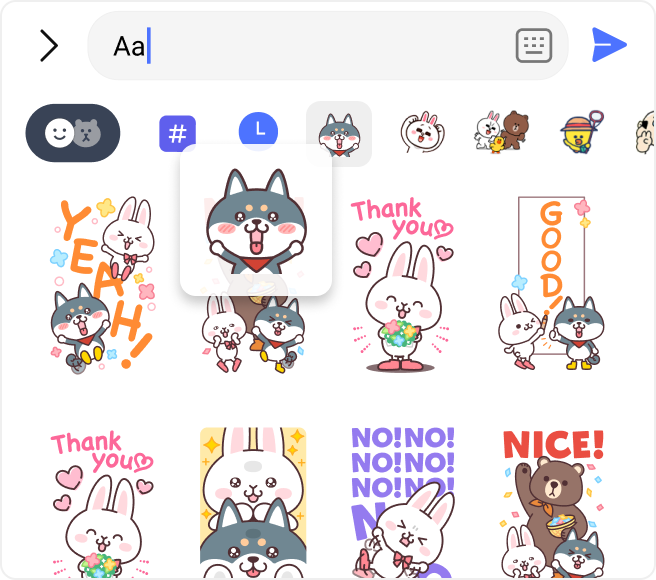
■ Chat Thumbnail Icon
-
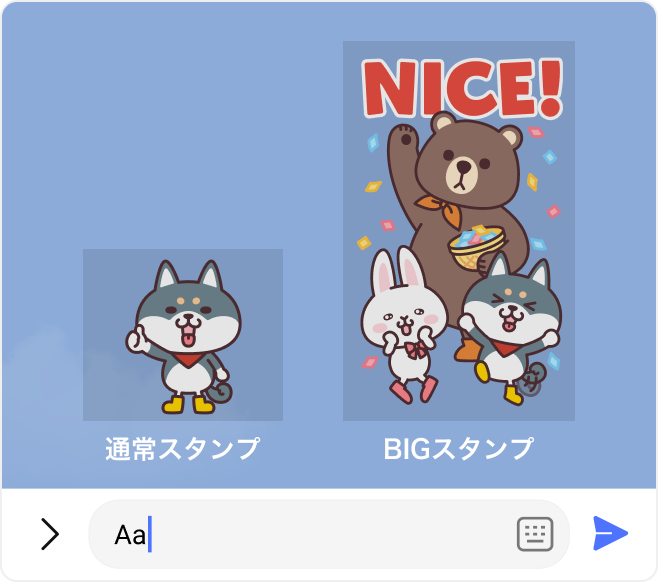
■ Sticker images
-
Sticker Margins
There's no need to include a margin around your uploaded images. Appropriate margins will be added automatically to your sticker images.
-
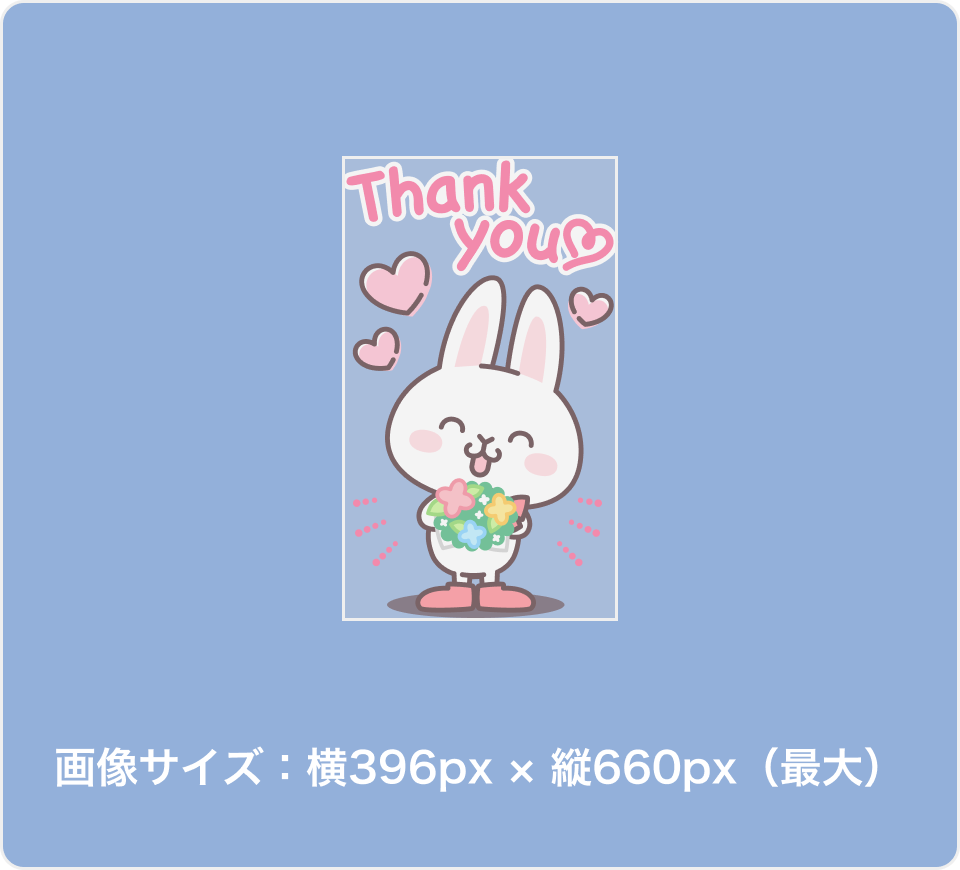
Upload Images
-
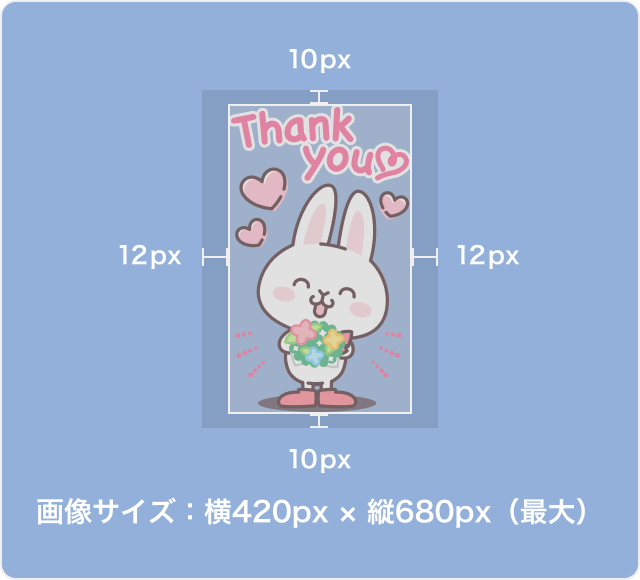
Image with margins added
Text
| 1. Sticker Title | |
|---|---|
| Character Limits | Up to 40 characters |
| 2. Creator | |
| Character Limits | Up to 50 characters |
| 3. Sticker Description | |
| Character Limits | Up to 160 characters |
| 4. Copyright | |
| Character Limits | Up to 50 characters |
| Character Limits | |
|---|---|
| 1. Sticker Title | Up to 40 characters |
| 2. Creator | Up to 50 characters |
| 3. Sticker Description | Up to 160 characters |
| 4. Copyright | Up to 50 characters |
*Asian language characters and some symbols count as 2 characters each.
Sample Images
-
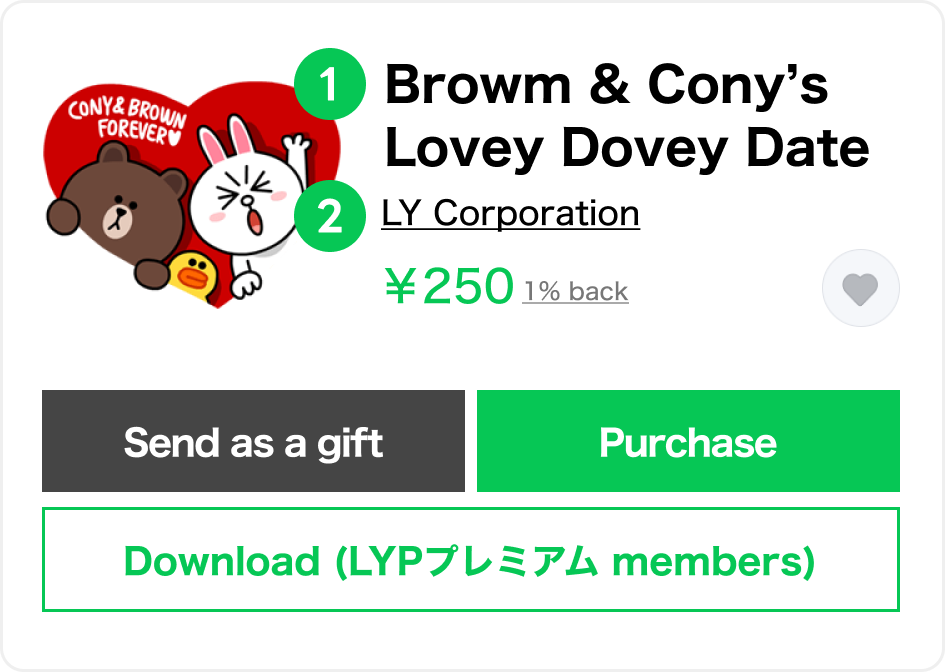
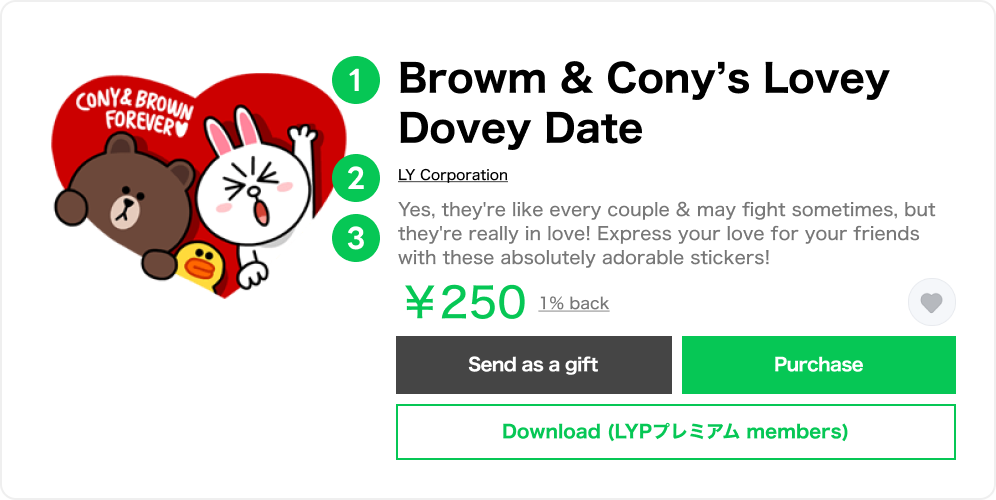
■Sticker Title and Creator
■Sticker Title, Creator, and Sticker Description
-
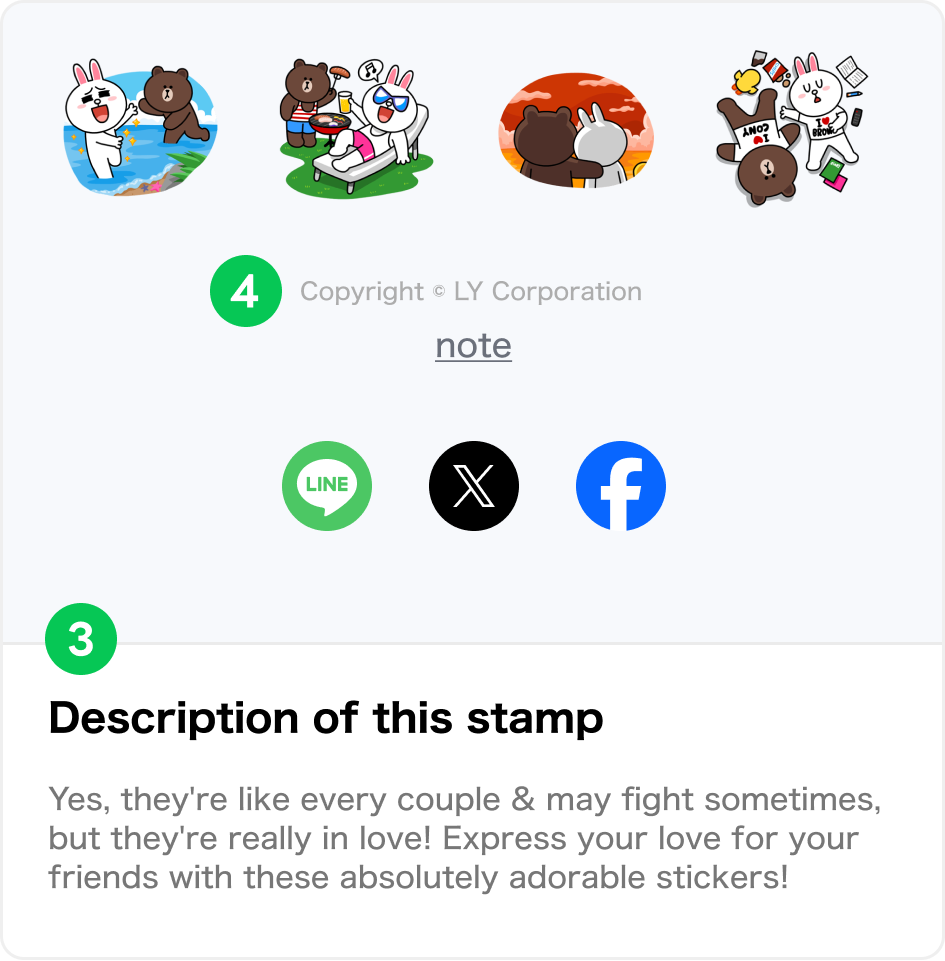
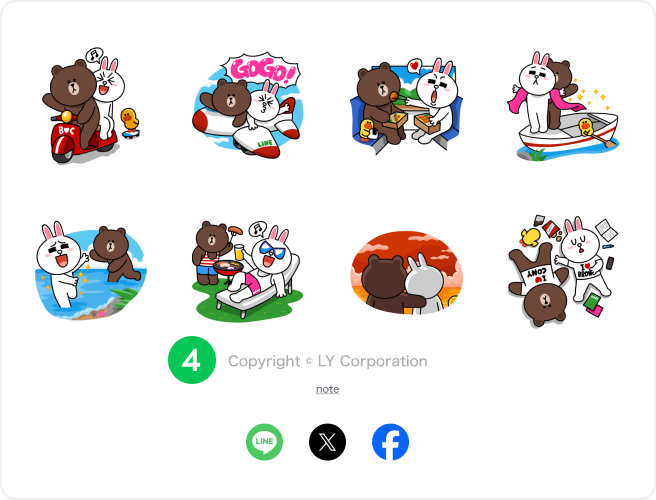
■ Copyright and Sticker Description
■ Copyright
Important points to consider
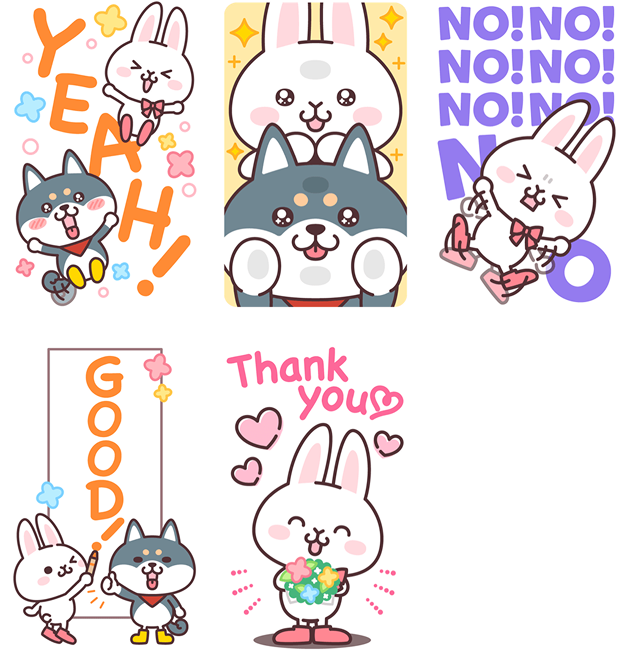
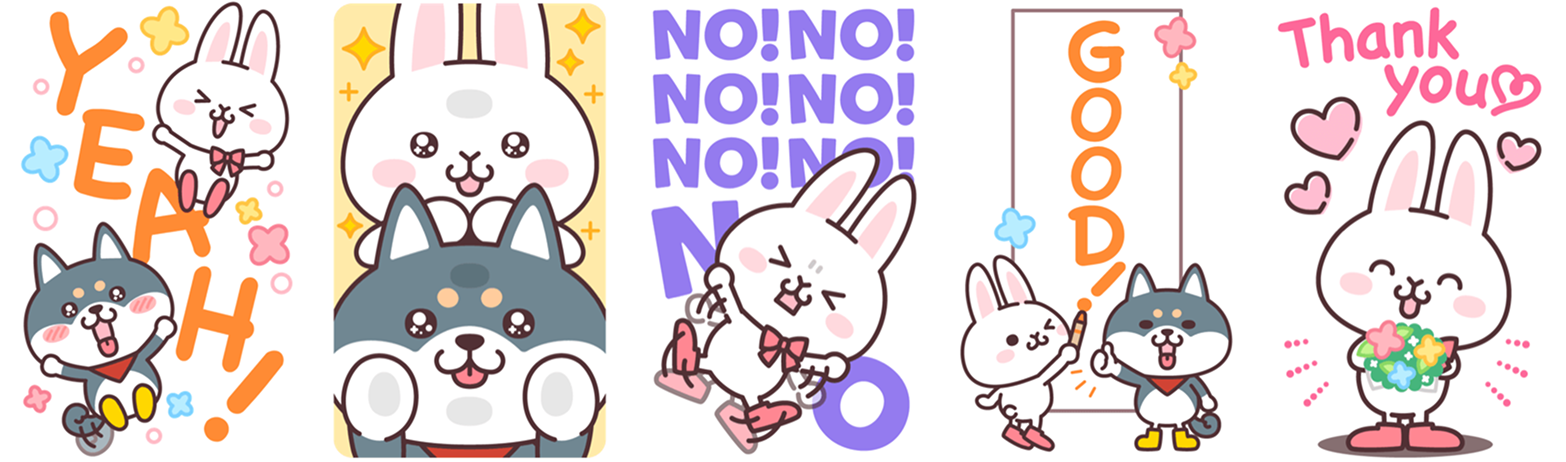
Recommended Stickers
- Stickers that are easy to use in daily conversation and communication.
- Stickers that consist of easily understandable expressions, messages, and illustrations.
- Stickers that allow for more dynamic and expressive communication due to their larger size.
Non-Recommended Stickers
- Stickers that are difficult to use in daily conversation, such as objects and scenery.
- Stickers that have poor visibility, such as pictures that are too long or full-length illustrations of tall characters.
- Sets that significantly lack variety, such as stickers made up purely of pale colors or strings of numbers.
- Content that offends public order and morality, is suggestive of under-age drinking or smoking, contain sexual or violent imagery, or may fuel nationalism.
Other Notes
- Stickers for sale may not be used for advertising purposes. Please do not include any form of advertisement in the sticker images, titles, and text descriptions, such as the announcements of product release dates, or submit stickers featuring only corporate logos.
- Requesting personal information or user IDs from customers is strictly prohibited.
Content that mentions any internet service, messaging app, or similar service, or that includes any characters related to such services may not be sold in the Creators Market. - For more details, please see the sticker review guidelines.